Labelme 标注图像转化位灰度图像
在使用语义分割 images-keras-segmentatin 代码的时候,发现训练的标签图像 满足 背景的像素值是1 ,第一个分类的像素值是2 以此类推到255,
github 的地址
https://github.com/divamgupta/image-segmentation-keras#preparing-the-data-for-training
原文中 说明 annoation
Example code to generate annotation images :

import cv2
import numpy as np

ann_img = np.zeros((30,30,3)).astype('uint8')
ann_img[ 3 , 4 ] = 1 # this would set the label of pixel 3,4 as 1

cv2.imwrite( "ann_1.png" ,ann_img )
我们在使用labelme 标注完图像后 会生成json文件,然后通过 labelme_json_to_dataset 生成标签文件。比如我们可以清楚看到在
二分类中能看到是红色的。
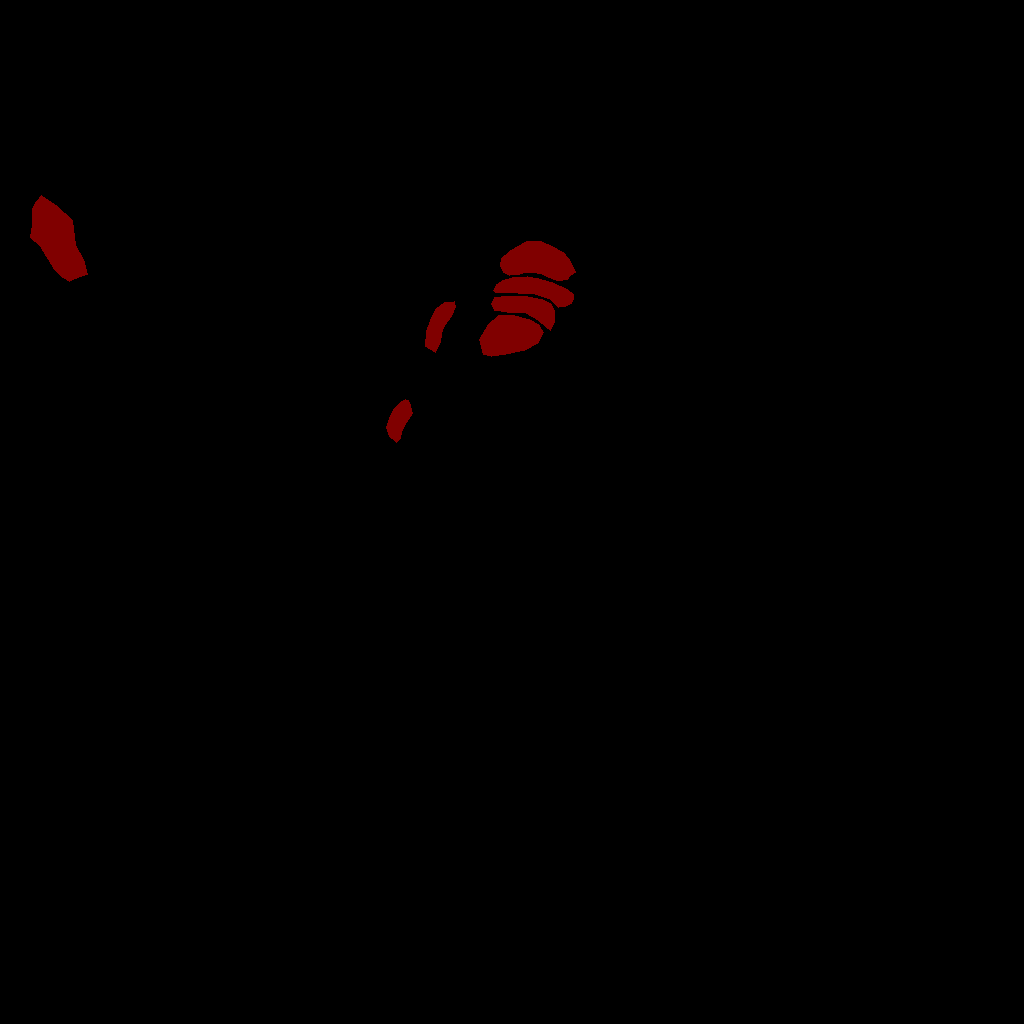
这时候我们要对图像进行灰度处理,将上边的红色区域的像素值变成1,背景是0 变成下边

labelImage_to_uint8.py
python代码
#!/usr/bin/env python3
# -*- coding: utf-8 -*-

import cv2
import numpy as np
import os
#旧mask文件的路径
path='annotations_mask_train'
#新的标签文件的路径
newpath='annotations_train'

def imageConvert(color,img):
    print(img.shape)

    img_ = np.zeros((img.shape[0],img.shape[1],1)).astype('uint8')
    for i in range(img.shape[0]):
        for j in range(img.shape[1]):
            if img[i,j,0]==color[0] and img[i,j,1]==color[1] and img[i,j,2]==color[2]:
                img_[i,j]=1
            #else:
                #img_[i,j]=0

    return img_

if __name__=="__main__":
    files=os.listdir(path)
    for file in files:
        #jpath=os.listdir(os.path.join(path,file))
        oldfilename =os.path.join(path,file)
        #new=file[:-5]
        newnames=os.path.join(newpath,file)

        print(oldfilename)
        print(newnames)
        #os.rename(filename,newnames+'.png')
        img = cv2.imread(oldfilename)
        print(img.shape)
        color = [0,0,128]                 #根据具体的图像设置color的值,bgr
        img_ = imageConvert(color,img)
        print(img_.shape)
        cv2.imwrite(newnames,img_)
